

The Ultimate Guide to the Best CarPlay Apps in 2024
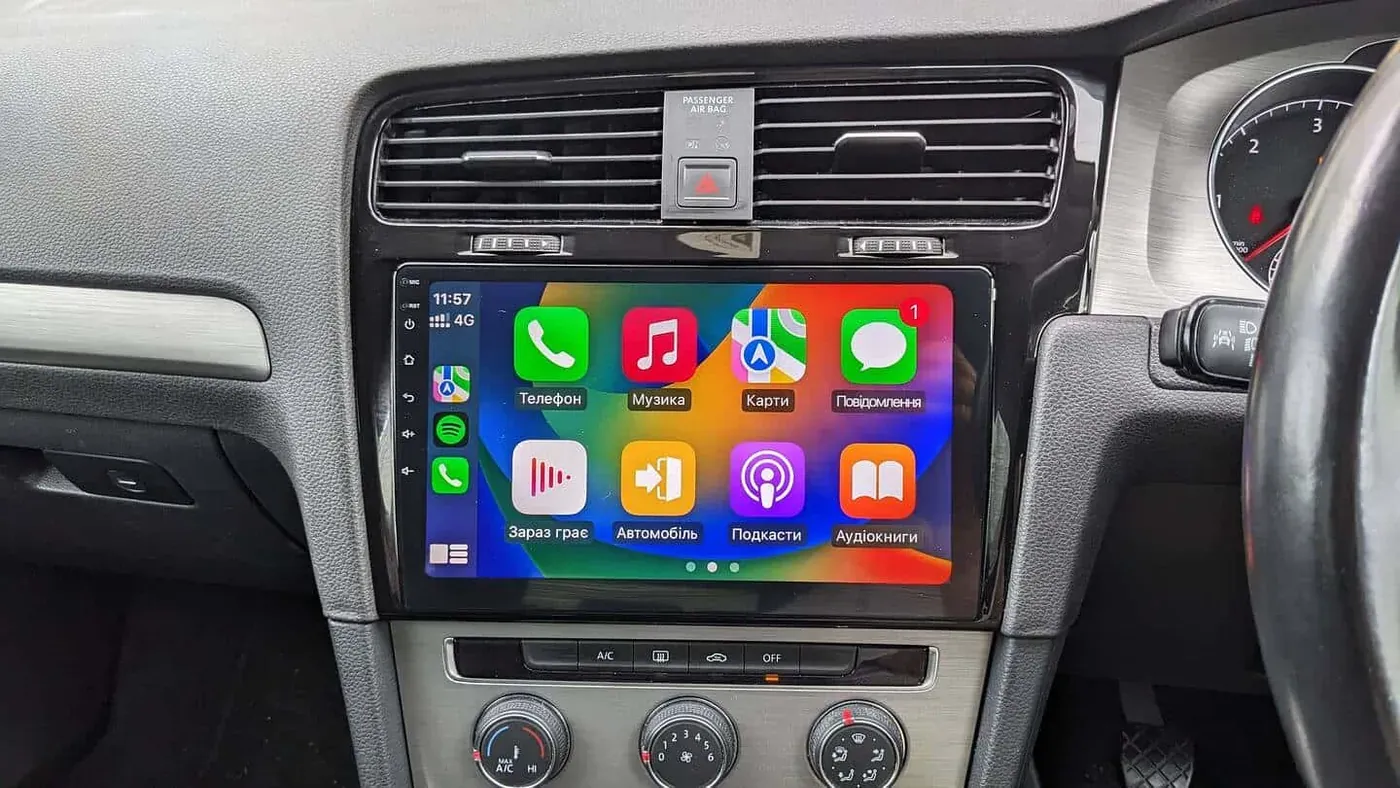
The best CarPlay apps are Google Maps, Apple Maps and Waze for navigation, WhatsApp and Telegram for messaging, and Spotify, Apple Music and Audible for the drive itself. Nothing is installed separately: any compatible app on your iPhone appears on the car screen automatically once CarPlay is connected.
What Is CarPlay and Why Is It Essential?
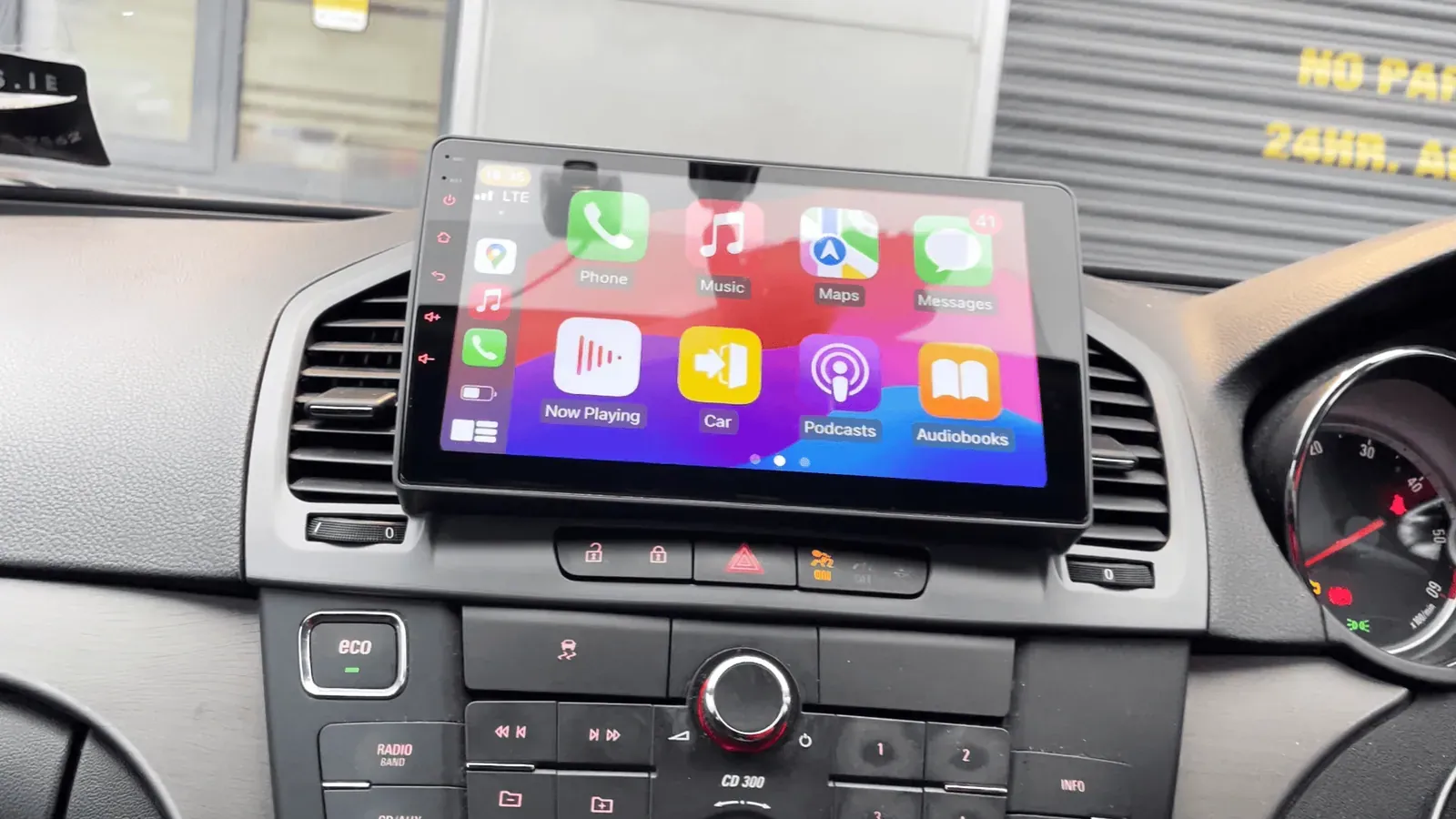
CarPlay is a groundbreaking technology that allows seamless integration between your iPhone and your car’s infotainment system. It offers hands-free access to essential functions, keeping you connected while focusing on the road. Whether you’re navigating with ease, staying in touch, or enjoying your favorite music, CarPlay is designed to make your driving experience safer and more enjoyable.
How Does CarPlay Work?
Using either a wired or wireless connection, CarPlay mirrors compatible apps from your iPhone onto your car’s display. This technology is widely supported across various car models, making it accessible for many drivers. If your car has no CarPlay, it can be added with a wireless CarPlay interface or a CarPlay head unit; the routes are compared in how to add Apple CarPlay to any car. Once your iPhone is linked, you can control CarPlay using your car’s touchscreen, physical controls, or voice commands via Siri.
Understanding the Difference: CarPlay vs. Android Auto
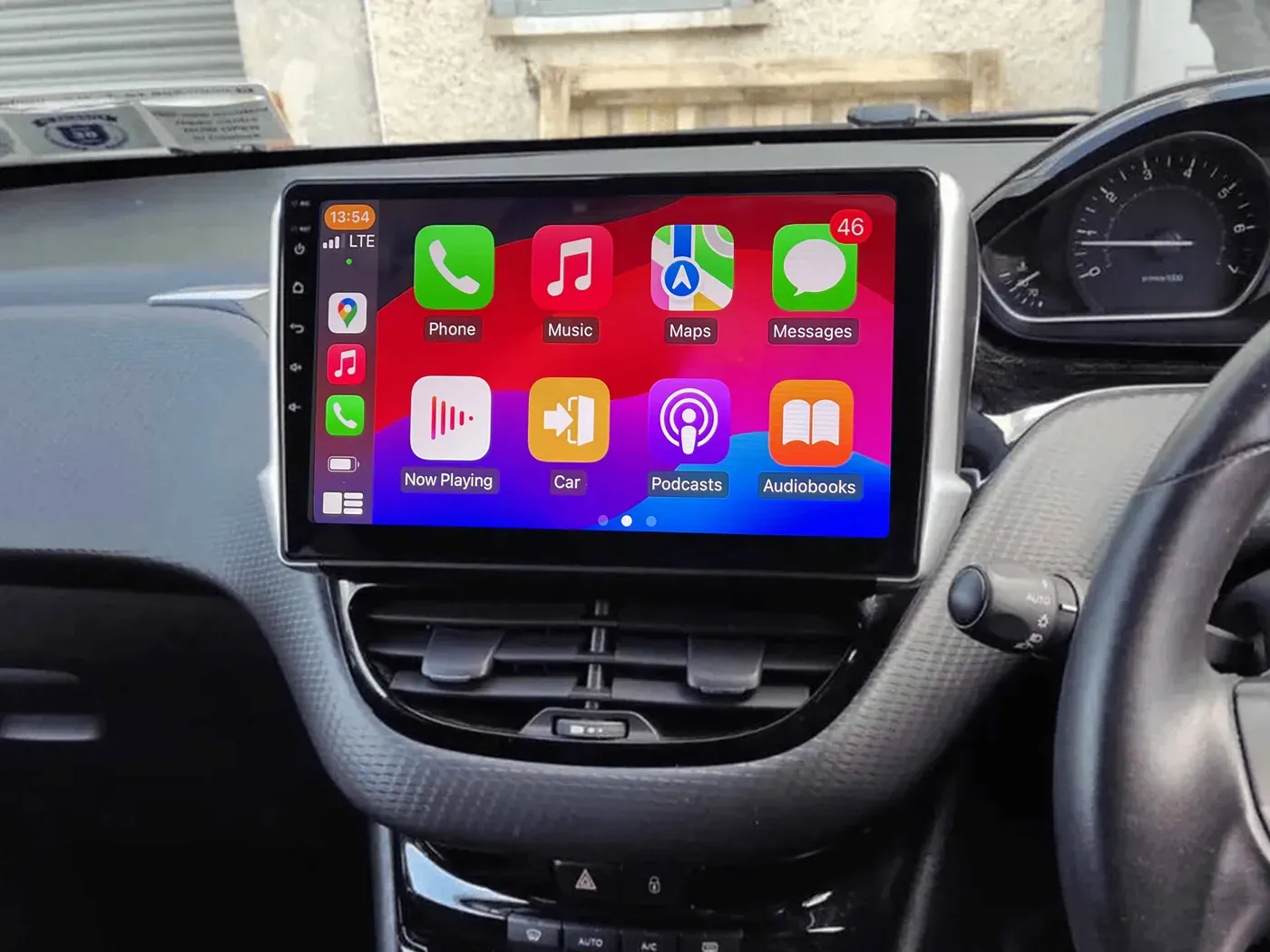
Before diving into the top CarPlay apps, let’s clear up the distinction between Apple CarPlay and Android Auto. Both systems aim to provide safer and more convenient access to your phone’s features while driving, but they are tailored to different operating systems.
Key Differences
- Compatibility: CarPlay works with iPhones, while Android Auto is for Android devices.
- User Interface: Each system has a distinct look and feel, optimized for their respective platforms.
- App Ecosystem: While both offer similar types of apps, each has unique integrations specific to iOS or Android.
No matter which smartphone you use, understanding these differences will help you maximize the features of your car’s infotainment system.
Types of CarPlay Apps You Need
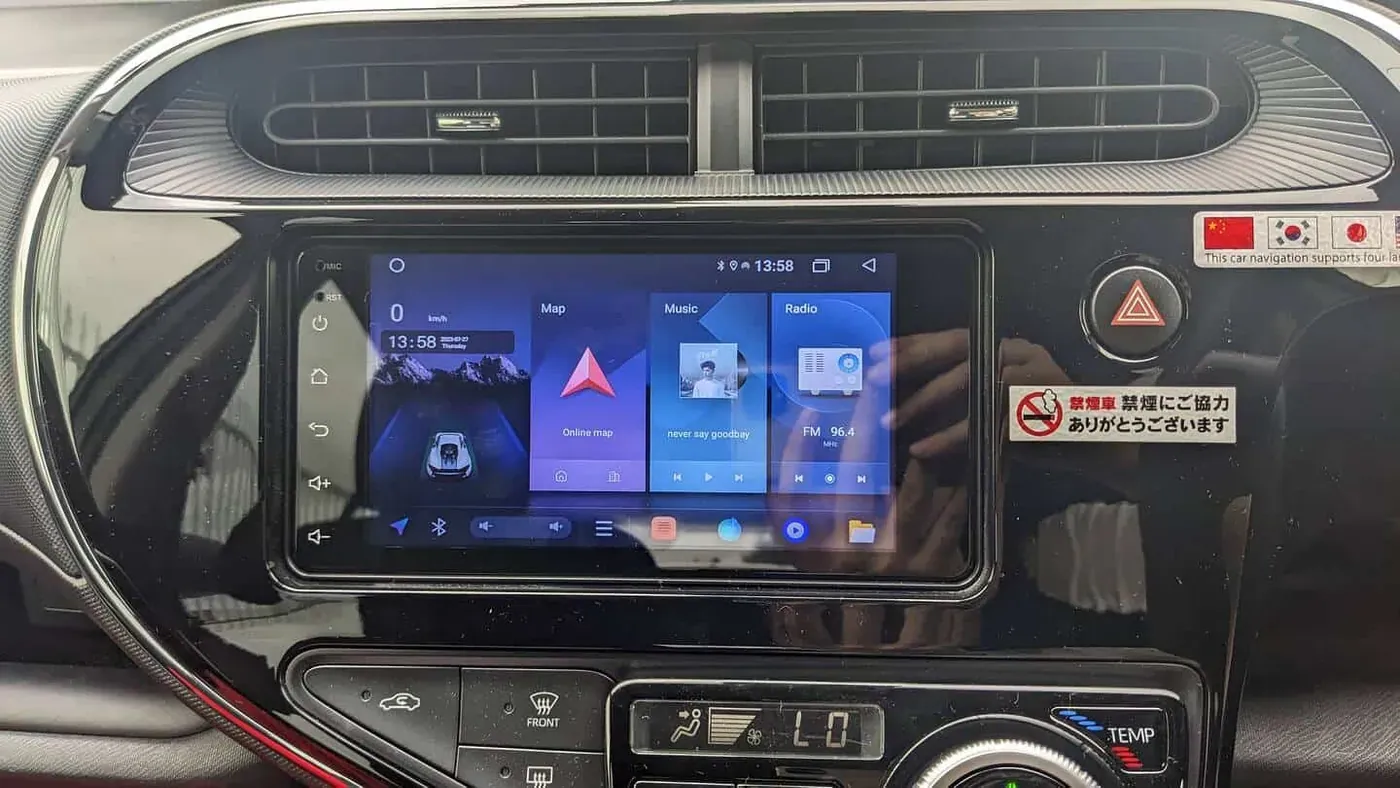
CarPlay apps can be broadly categorized into three types based on their purpose: navigation, communication, and entertainment. Here’s a breakdown:
1. Navigation Apps
Navigation is crucial for any driver, and CarPlay offers robust options for real-time traffic updates and accurate directions.
- Apple Maps: Pre-installed on iOS devices, Apple Maps provides turn-by-turn directions, traffic updates, and seamless integration with the Apple ecosystem.
- Google Maps: Known for its extensive mapping data and real-time traffic information, Google Maps is a reliable option available on both CarPlay and Android Auto.
- Waze: A community-based app, Waze gives real-time updates about traffic, hazards, and police presence. It’s a favorite among drivers for its social features and alerts.
2. Communication Apps
Staying connected on the go is essential, but safety comes first. CarPlay makes it easy to manage communication using voice commands.
- WhatsApp: Send and receive messages without taking your hands off the wheel. CarPlay reads incoming messages aloud and lets you dictate replies.
- Facebook Messenger: Receive notifications and use pre-set auto-reply options to stay connected safely.
- Hangouts: Google’s communication platform is also available, offering voice calls and group messaging through CarPlay.
- Telegram: Known for its secure messaging, Telegram is fully compatible with CarPlay for convenient and safe communication.
- WeChat: A versatile app that includes messaging, calls, and location sharing, perfect for global travelers using CarPlay.
3. Entertainment Apps
Long drives are more enjoyable with the right soundtrack or podcast. CarPlay supports a wide range of entertainment apps to keep you entertained.
- Spotify: Stream your favorite playlists and discover new music effortlessly. Use voice commands to control playback, so your hands stay on the wheel.
- Apple Music: With seamless integration, Apple Music lets you access your library and curated playlists easily.
- YouTube Music: Enjoy a vast library of songs and playlists tailored to your preferences.
- Audible: If you prefer audiobooks or podcasts, Audible is perfect for making your commute more productive or entertaining.
Top CarPlay Apps to Try in 2024
Here’s our list of must-have CarPlay apps for 2024, ensuring a seamless and enjoyable driving experience:
Navigation Essentials
- Google Maps: Ideal for precise navigation and real-time updates.
- Waze: A great choice for those who prefer crowd-sourced information and social features.
Communication Tools
- WhatsApp: For effortless messaging while keeping your focus on driving.
- Telegram: Offers fast, secure communication with CarPlay compatibility.
- Facebook Messenger: Stay connected and use auto-reply features to minimize distractions.
Entertainment Options
- Spotify: Customize your driving soundtrack with personalized playlists and top hits.
- Apple Music: Your go-to for a seamless music experience with complete iOS integration.
- Audible: Enjoy your favorite books during long drives.
The Future of CarPlay Apps
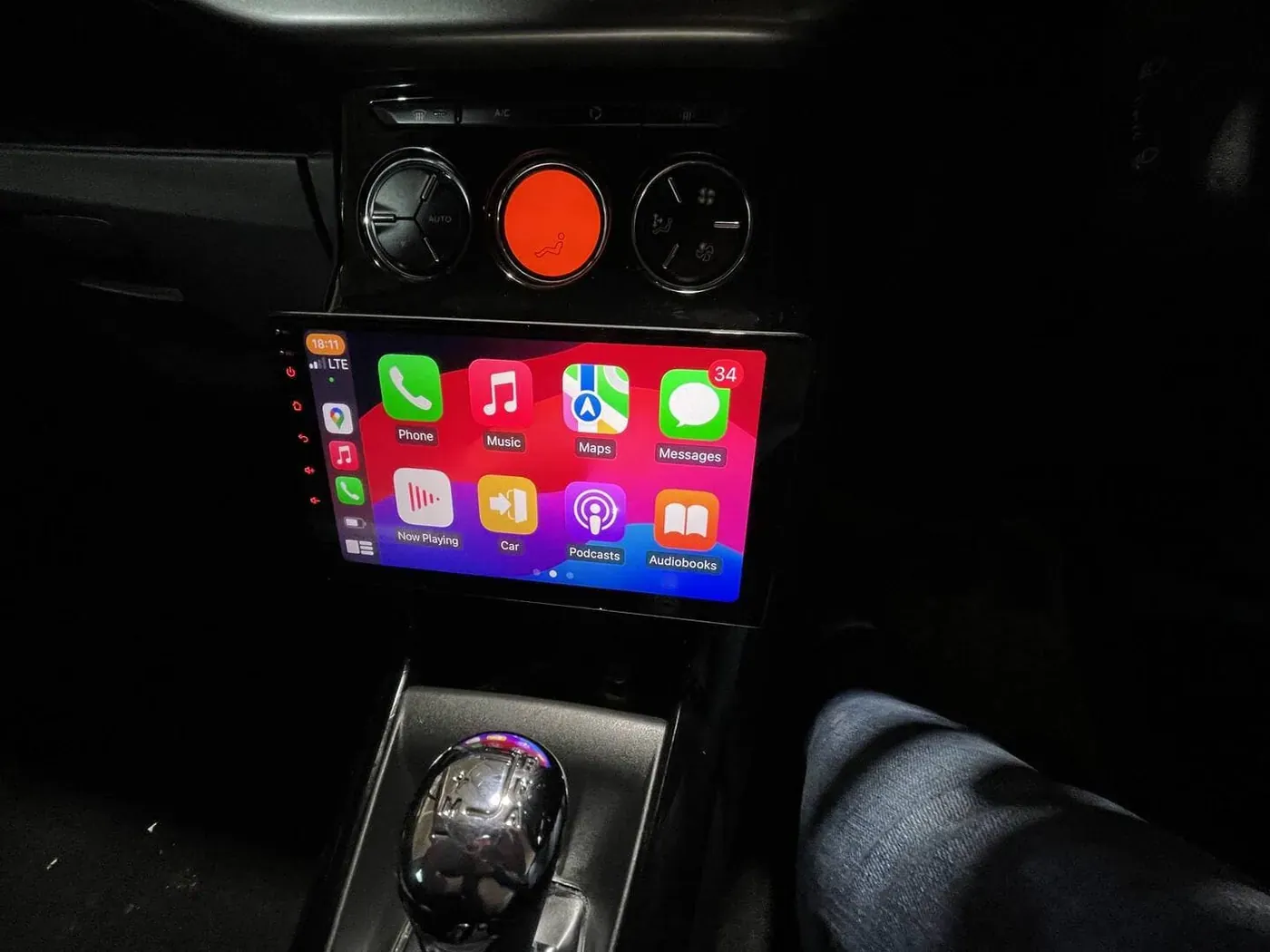
CarPlay technology is rapidly evolving, and the future holds even more exciting advancements. We can expect to see greater app variety, enhanced features, and deeper integration with vehicle systems. Innovations like AI and machine learning could lead to predictive navigation and personalized entertainment, making driving even safer and more enjoyable.
In conclusion, CarPlay apps are revolutionizing how we interact with our vehicles, providing both convenience and safety. By choosing the right apps and staying updated with the latest features, you can transform your driving experience. Explore the world of CarPlay with RadioKing.ie, and take your road adventures to the next level! On our Android head units the same apps run natively as well, and YouTube or Netflix work while parked; see our guide to watching YouTube on Android Auto and recent CarPlay installs in Dublin.
Updated 4 September 2026

