Apple CarPlay and Android Auto in the 2020 Volkswagen Tiguan R-Line
A 2020 Volkswagen Tiguan R-Line came into our Dublin workshop to have Apple CarPlay and Android Auto switched on and its sat-nav maps brought up to date. It runs the factory MIB2 system, so nothing needed replacing: we activated what the car could already do and loaded the latest data. Original unit kept, factory look intact, done in about two hours.
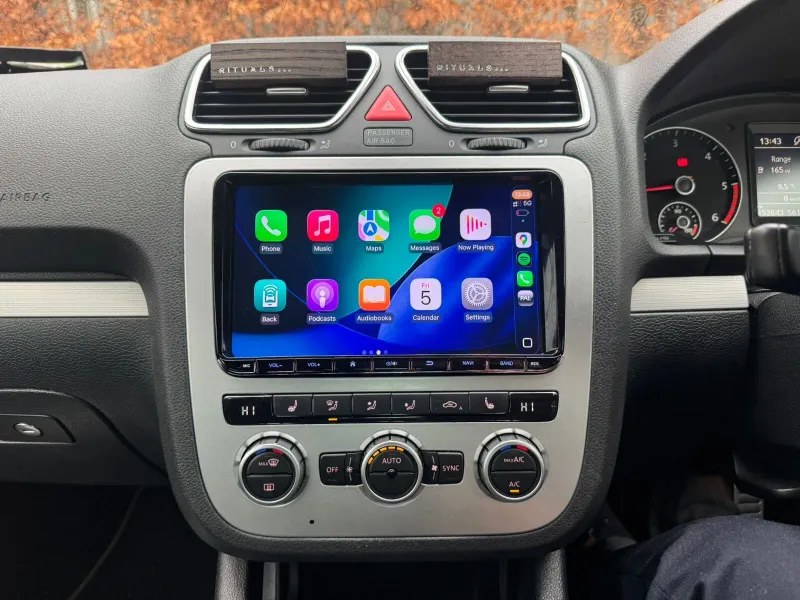
Every job of this kind starts on the software screen shown above: reading the unit’s software train and part number. The MHI2_JP train confirms two things at once — that this is MIB2, so App-Connect can be activated on it, and that the car is a Japanese import.
What the customer wanted
The owner wanted to plug his phone in and get Apple CarPlay — or Android Auto for the other phones in the house — and he wanted the built-in navigation to stop routing him around roads that had changed years ago. Both are common requests on this generation of Volkswagen, and both were possible without swapping the screen for an aftermarket one.
MIB2 is the factory infotainment platform Volkswagen fitted across the range from roughly 2016 to 2020, and on the Tiguan it usually appears as Discover Media. The hardware for App-Connect — Volkswagen’s name for Apple CarPlay, Android Auto and MirrorLink — is often already in the unit, just switched off. Turning it on is an activation, not a parts swap.
The installed software train reads MHI2_JP_VW48x, and the JP tells us the head unit’s software was built for the Japanese market. That shaped two extra things we sorted on the day: the App-Connect activation on Japanese-market software, and the FM radio, which was still tuned for Japan rather than Ireland.
The upgrade, point by point
- Apple CarPlay & Android Auto activated — wired through the USB port, shown on the factory screen.
- Navigation maps updated — latest official VW map data installed and verified, plus a refreshed media database.
- FM radio re-coded — from the Japanese band to Irish/European frequencies, so all local stations tune correctly.
- Factory unit kept — no screen replacement, nothing cut, steering-wheel and voice controls all retained.
- Time in the workshop: about 2 hours, start to finish.
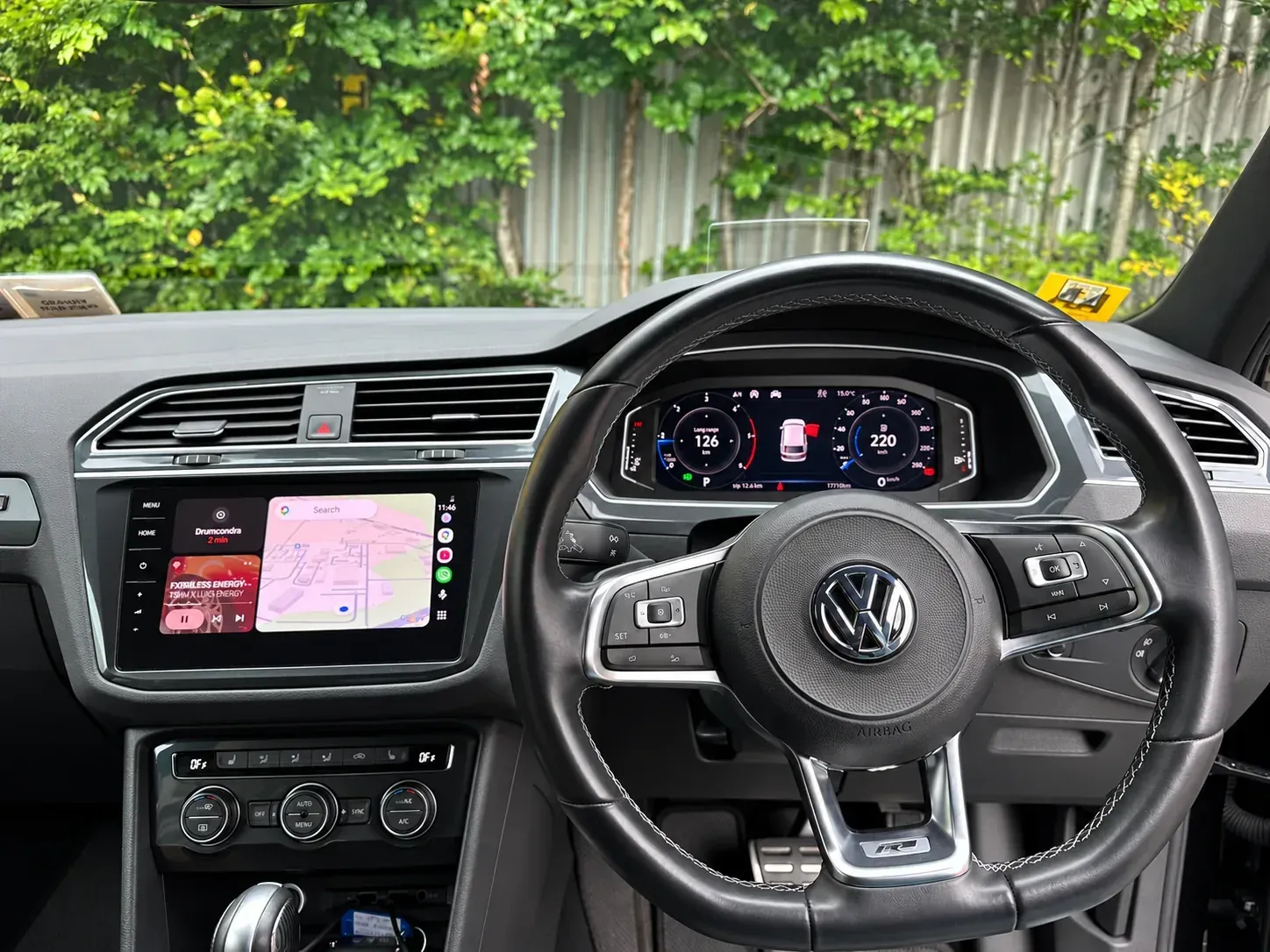
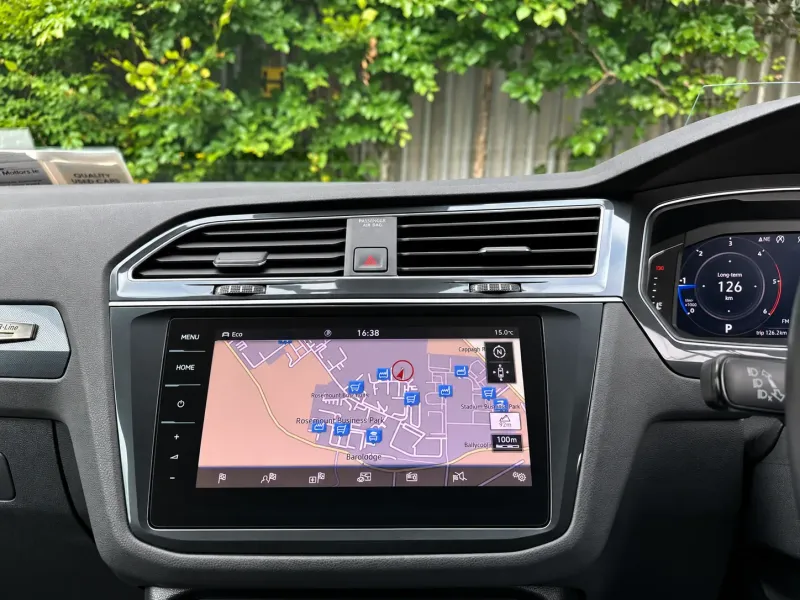
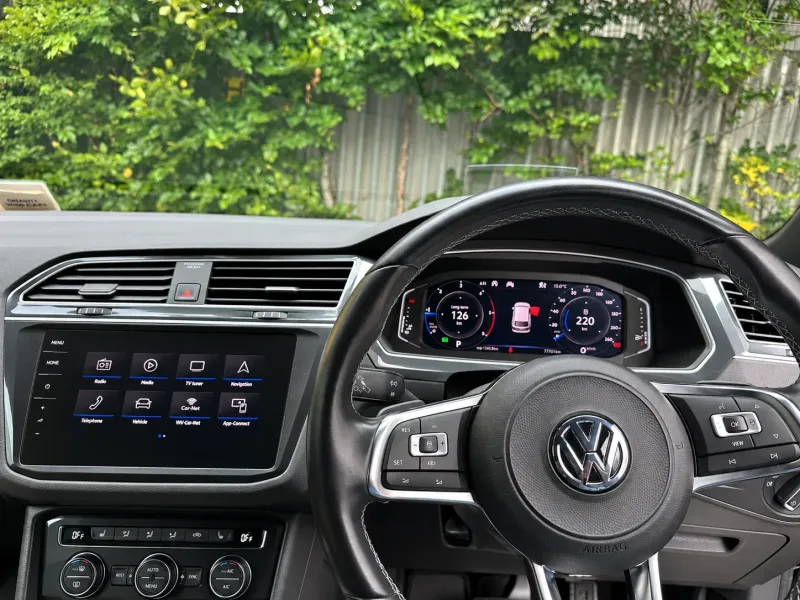
CarPlay live on the Tiguan — phone maps, messages and music on the factory screen, controlled from the wheel as before.
What was done on this 2020 VW Tiguan
Here is how the job ran, start to finish:
- Checked the car and read the unit. Confirmed the MIB2 part number, software and hardware version, and that App-Connect was supported.
- Activated App-Connect. Enabled Apple CarPlay and Android Auto and coded the car so the feature shows in the menu.
- Loaded the latest maps. Installed the newest official VW map data for the region and refreshed the media database.
- Re-coded the FM radio. Moved the tuner from the Japanese band to the Irish/European frequencies so stations tune where they should.
- Tested everything. Connected both an iPhone and an Android phone, checked CarPlay and Android Auto launch and stay connected, ran the navigation, and confirmed radio, media and steering-wheel controls still worked.
- Handed it back. Showed the owner how to connect and where everything lives. Total time: about two hours.
We keep the description general on purpose — there are no secrets worth guarding here. The point is that it is done on the factory hardware, on the bench and in the car, with no cutting and nothing left hanging.
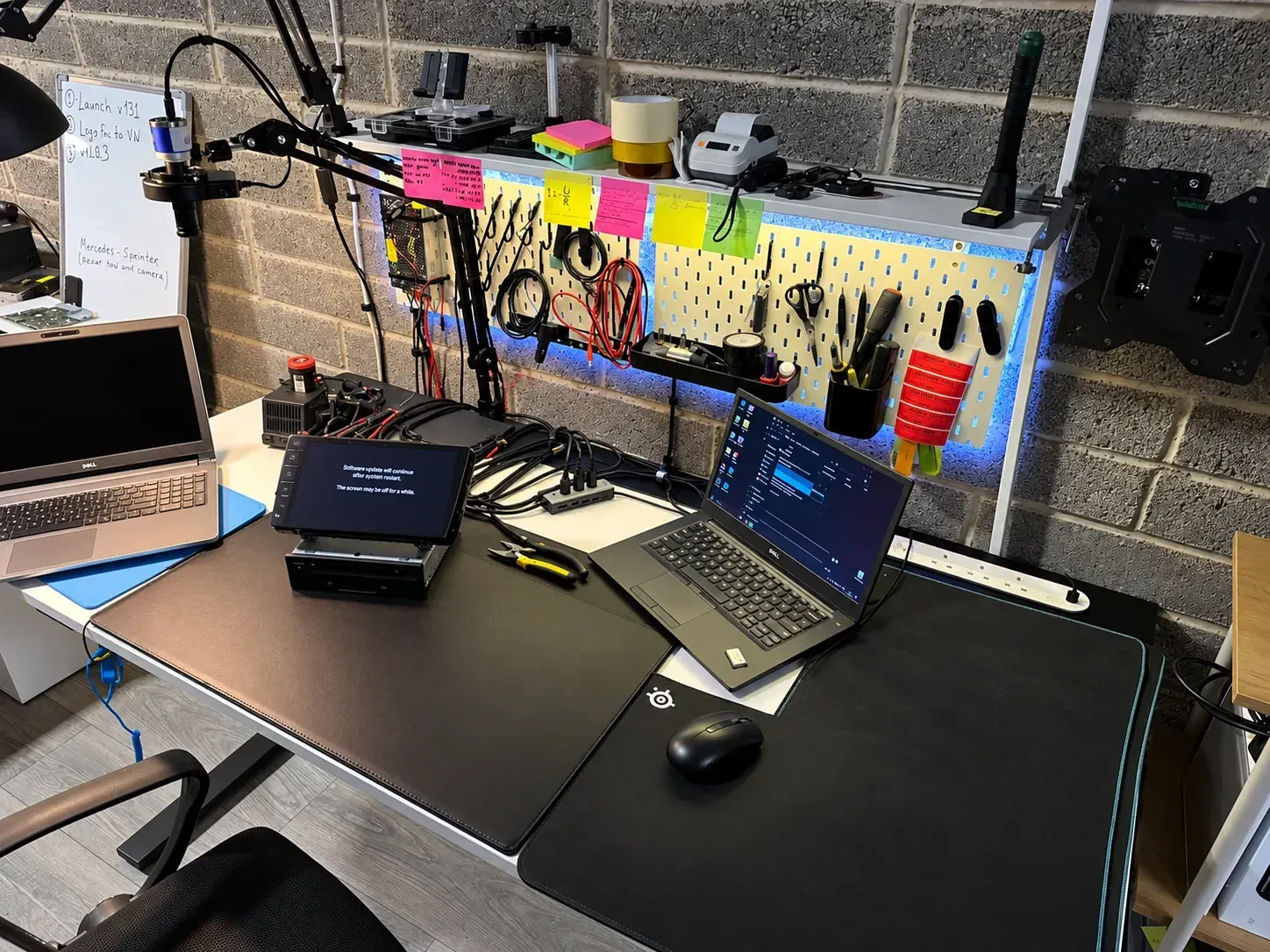
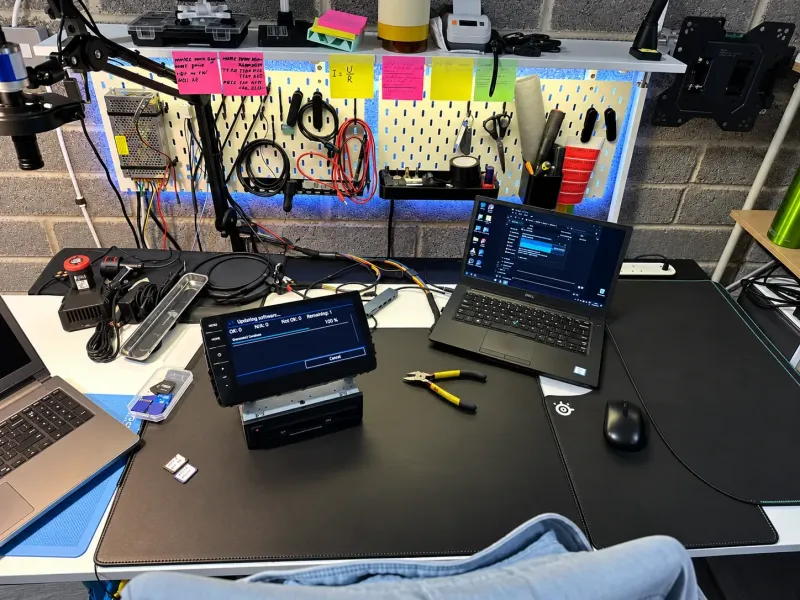
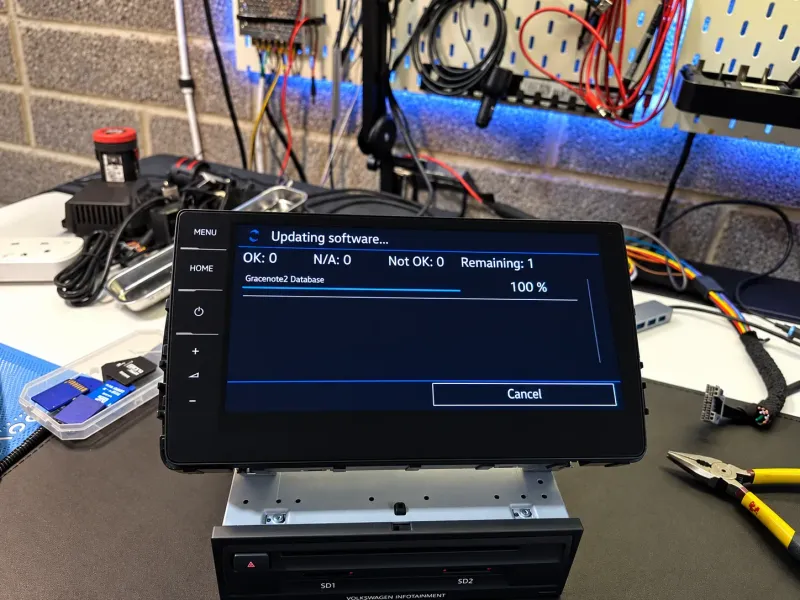
On the bench at our Dublin workshop — the unit powered up for the activation and update.
Is CarPlay on the Tiguan wired or wireless?
On MIB2 it is wired — you connect the phone to the car’s USB port with a cable and the phone’s interface appears on the Tiguan’s screen. Wireless CarPlay is not built into this generation, but you do not have to live with the cable if you would rather not: we stock wireless CarPlay and Android Auto adaptors in our shop. Once wired App-Connect is active, the adaptor plugs into the USB port and your phone then connects on its own, wirelessly, every time you get in. Just tell us you want wireless and we will add one on the day.
Everything else stays factory: the steering-wheel buttons, voice control, radio and Bluetooth all keep working exactly as before, because we enable the feature on the original unit rather than replacing it.
Why the maps needed updating
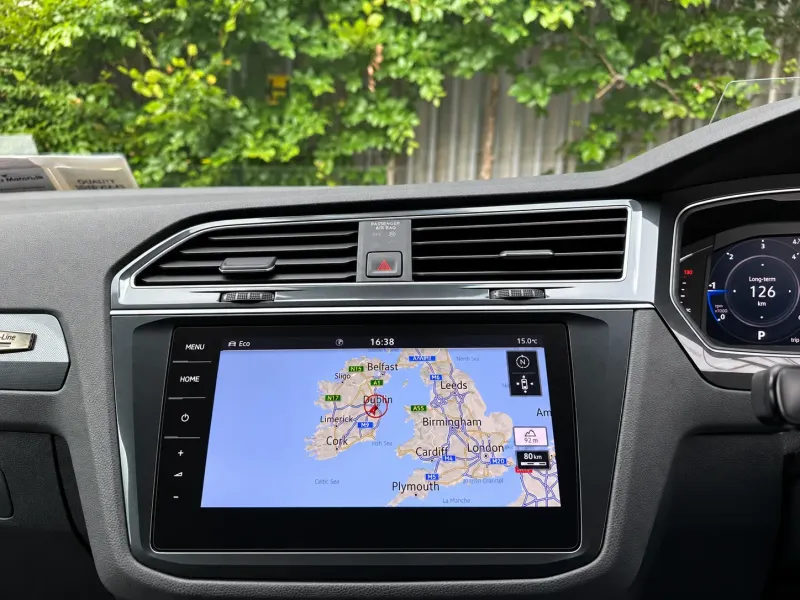
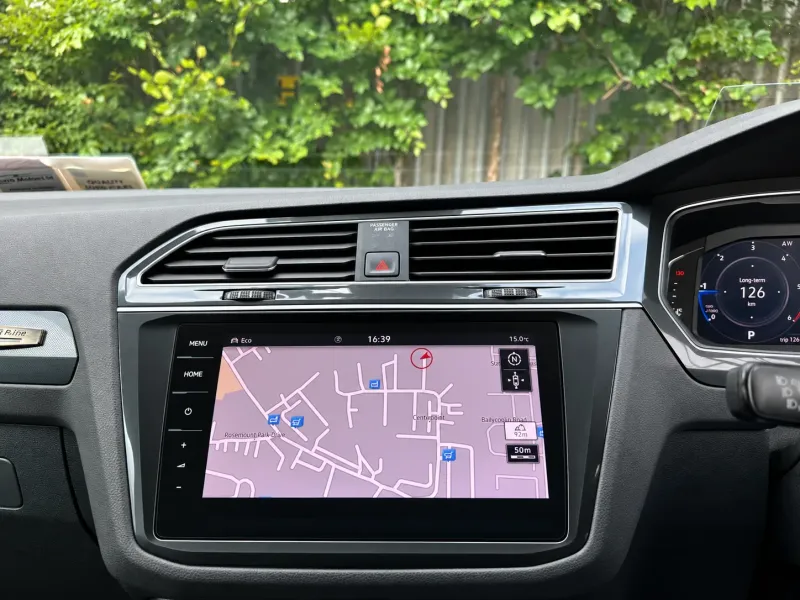
The second half of the request was the built-in sat-nav. On Discover Media the map data lives on an SD card in the unit, and Volkswagen releases newer versions over time. Updating it means loading the latest official map release for the region, letting the system install and verify it, and — as we did here — refreshing the media database the unit uses to recognise music.
The result is immediate: current roads, current roundabouts, tidier points of interest and speed-limit data that matches reality. For anyone who actually uses the factory navigation rather than only their phone, it is the update that makes it usable again.
FM radio: from Japanese to Irish frequencies
Because this Tiguan was imported from Japan, its radio was coded for the Japanese FM band, which sits lower than ours — roughly 76–95 MHz in Japan against 87.5–108 MHz here. Left as it was, a lot of Irish stations either would not tune at all or landed on the wrong number on the dial.
So we did an FM re-code: we moved the tuner from the Japanese region to the Irish/European one. The radio now tunes exactly like any Irish-market car — the stations you expect, on the frequencies you expect. It is a small job on its own, but on a Japanese import it is the difference between a radio that half-works and one that just works. The same work on other makes is described on our Japanese cars FM coding page, and the full picture for imports is on Japanese domestic market conversion.
Why activate the factory system instead of replacing it?
You could pull the MIB2 unit out and fit an aftermarket Android screen — and for some cars that is the right call. But when the factory system already supports what you need, activation is the smarter route. You keep the screen that fits the dash perfectly, the original menus, the steering-wheel and voice controls, and the resale value that comes with an all-factory interior. There is no cutting, no adaptor looms and nothing that looks bolted on afterwards. For a clean car like this Tiguan, it is the option that makes the most sense.
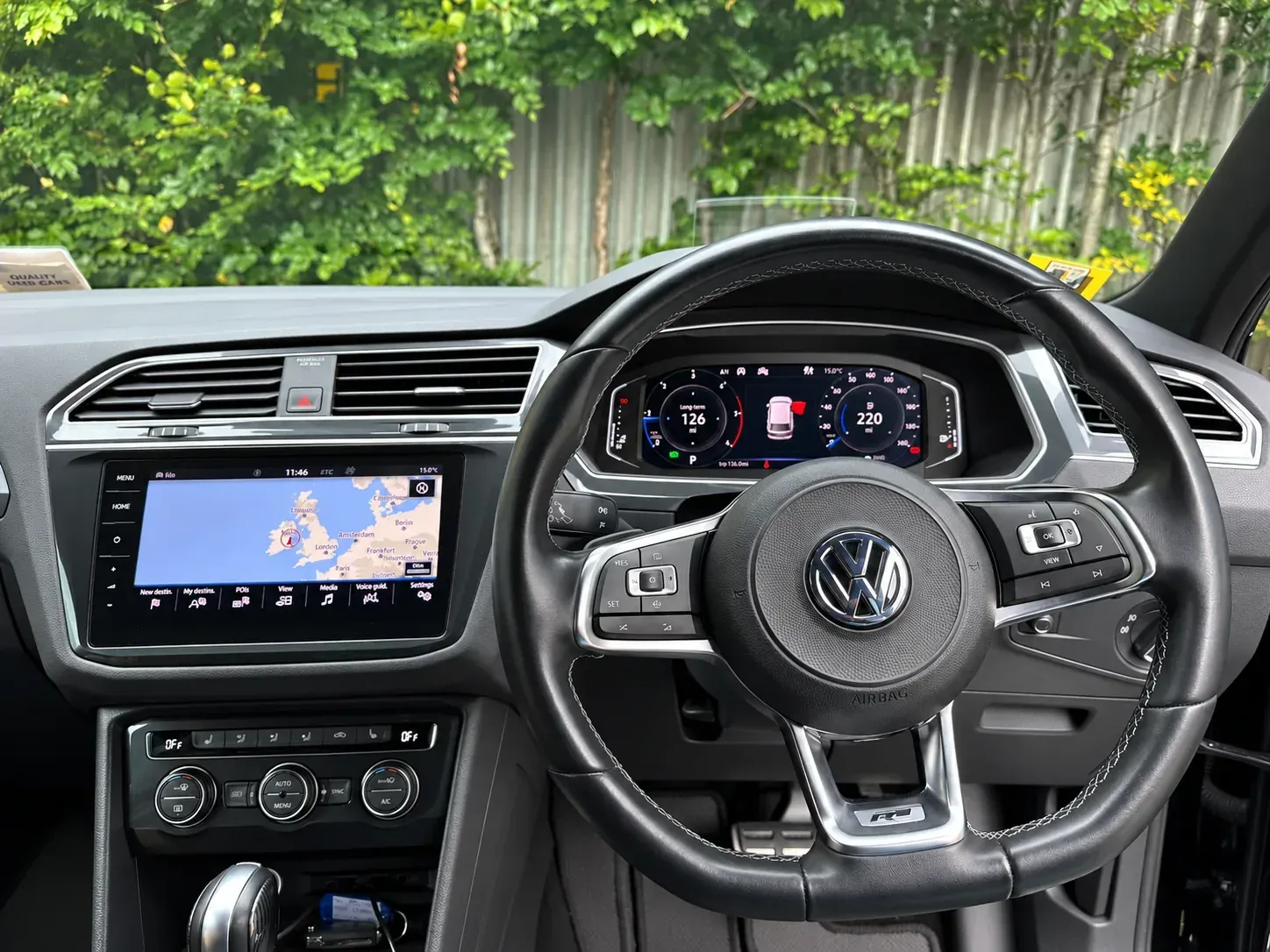
The factory menus and steering-wheel controls are all kept — we simply switch on what the unit can already do.
If your Tiguan is older and has no App-Connect hardware at all, the route is different — a CarPlay head unit for the Volkswagen Tiguan replaces the factory screen while keeping the controls.
What else a used VW usually gets while it’s in
An App-Connect activation and a map update are the two we did here, but they are rarely the only things a Tiguan owner asks about. The common add-ons on this generation:
- A reverse camera wired to the factory screen.
- Speakers and subwoofers to lift the sound.
- A hard-wired dash cam, front and rear.
- Soundproofing for a quieter cab on long drives.
VW CarPlay activation & map updates in Dublin
If your Volkswagen is from roughly 2016 to 2020 and runs MIB2, the same work almost certainly applies — that covers the Tiguan, Golf (Mk7/7.5), Passat B8, Polo, T-Roc, Arteon, Touran, Sharan and T6 Transporter. Radio King activates Apple CarPlay and Android Auto at our workshop in Dublin 11, and drivers come from across Ireland for exactly this; we plan the appointment around longer journeys where we can.
Not sure which system you have? Send us a photo of your dashboard and radio, plus your reg, on WhatsApp. We will confirm whether your VW can have Apple CarPlay and Android Auto activated and its maps updated — and give you a price — before you travel. Get a quote or call the workshop.
Radio King Unit K4, Rosemount Business Park Dublin 11, D11 AP20 Get a quote · More recent work